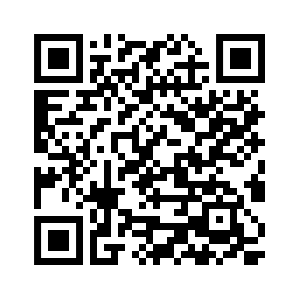
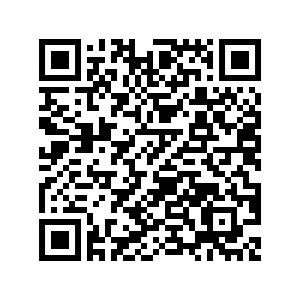
Or you can also install it by scanning this QR Code on your smartphone
Step-by-step guide
Register as a user
1
Once you successfully downloaded the app to your smartphone, allow permissions for notifications to for e.g. view your charging status.
2
Allow “Location” access to find charging stations near you.
3
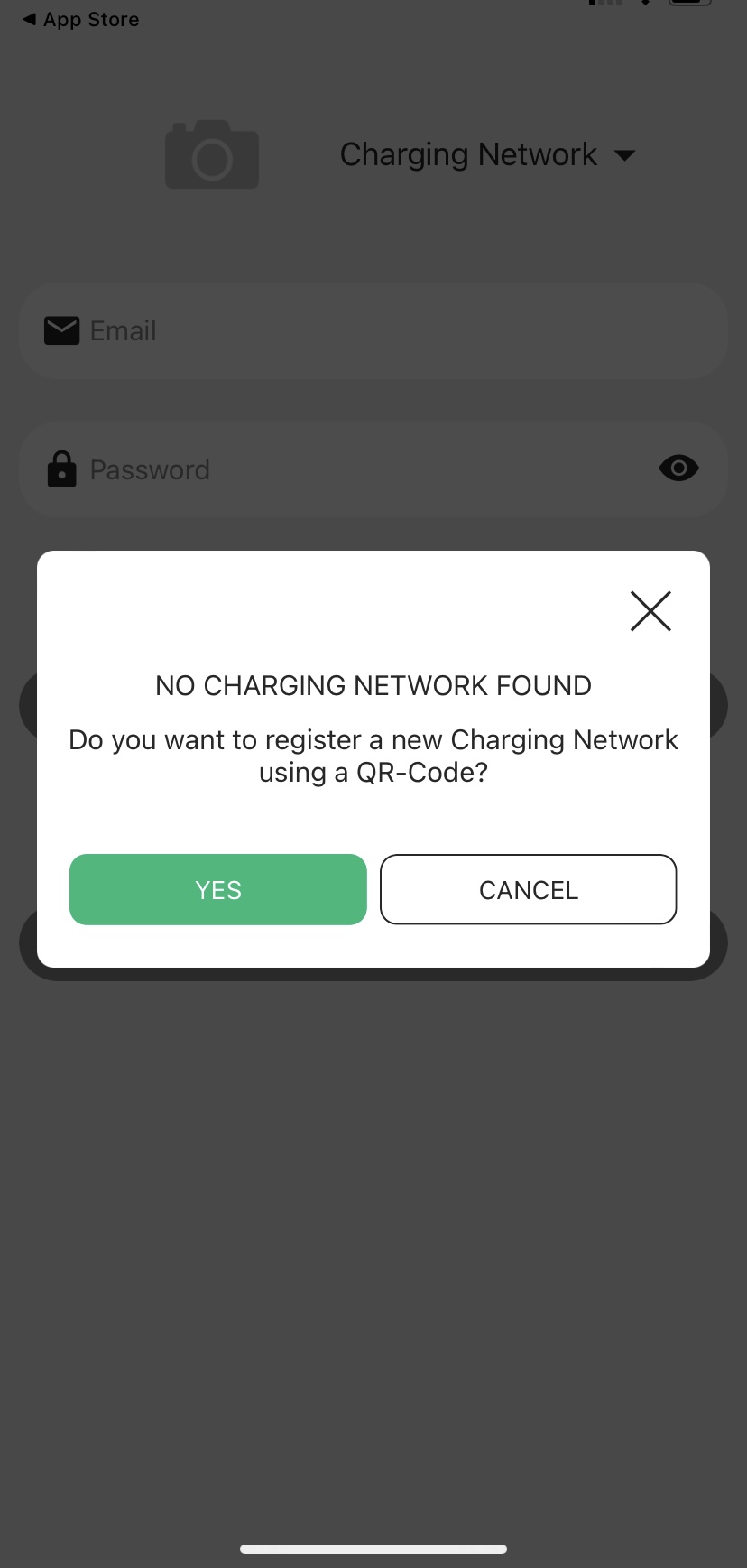
To continue registration you need to become part of our charging network in order to see the available chargers. In the next step it will display: “ You are not part of our charging network yet. Do you want to become a part of our charging network using a QR-Code?”. Please select “YES”.
4
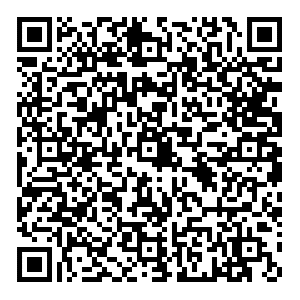
After selecting “YES”, scan the following QR-Code:
5
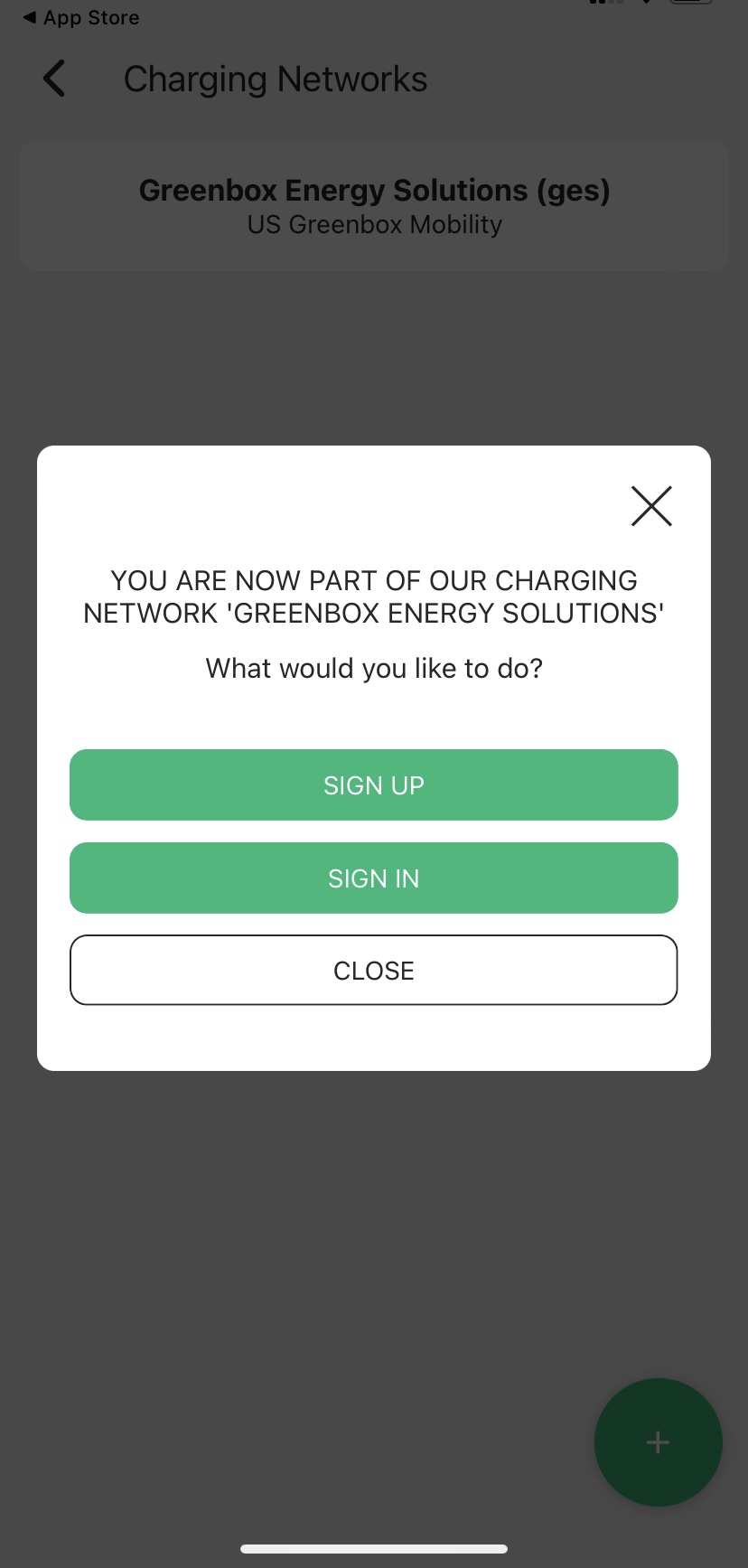
Once you are part of our charging network, you will see the pop-up for Sign In and Sign Up. You can select “SIGN UP” or “SIGN IN”.
6
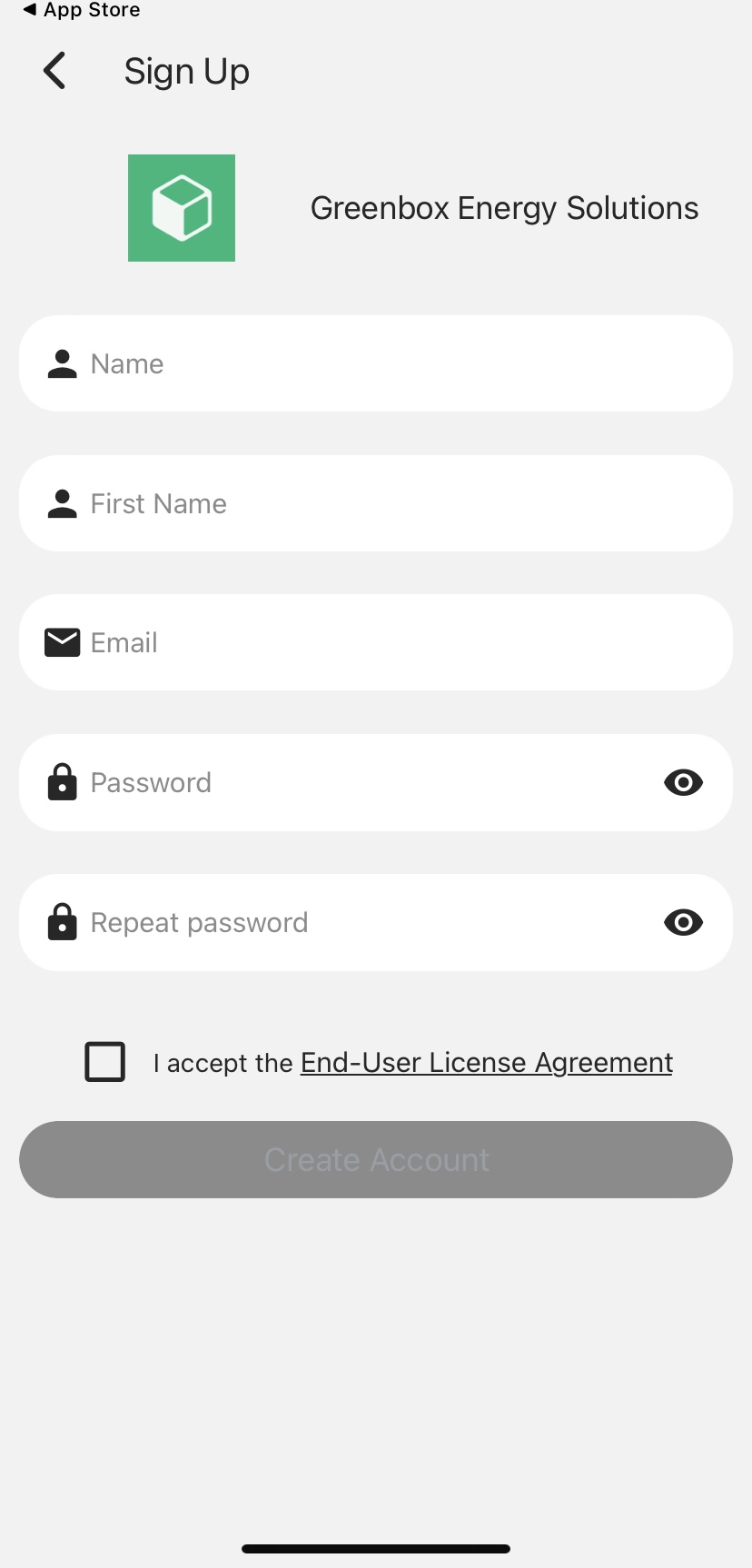
To continue registration select “SIGN UP”. You then will be directed to fill out a sign-up form.
7
Before creating your new account, please read the terms and conditions carefully and select the checkmark.
8
Once you have entered your data, you will receive a verification email. Please also check your spam folder. Then click the link on the verification email. You will then be directed to your Greenbox Mobility account and immediately view a map of chargers available near you.
Step-bystep guide
Add payment method
1
Find "Payment methods" from the app's main menu to add your payment method. You cannot start charging your EV before you add a payment method.
2
Credit and debit cards are currently available. Please add your credit card or your debit card information.
3
Please read the End-user License Agreement and agree that your bank details will be used for paying future EV charging sessions.
Congratulations! You are now ready to start your charging journey.